Coming soon
The agentic CLI toolbox
pks-cli
One CLI that scaffolds, runs, and serves your coding agents — and routes Claude Code onto cheap providers like Scaleway for roughly 10x token savings, all from a tool you own end to end.
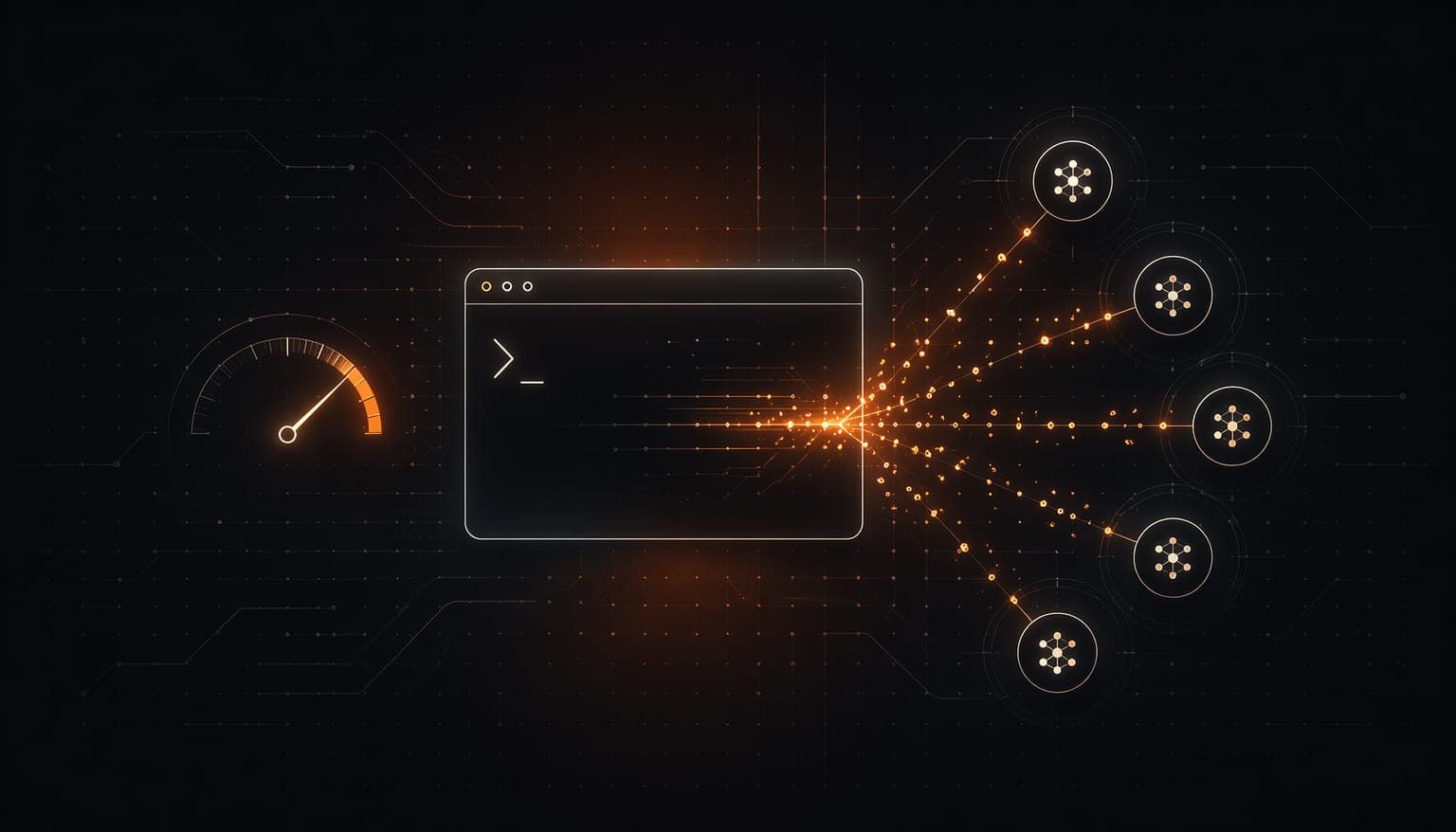
The agentic stack is a dozen tools you stitch together — and a token bill you don't control.
Standing up agentic development today means gluing a project scaffolder to an agent runner to an MCP server to a deploy step — each a separate tool, each with its own console, config, and failure mode. And the moment your agents start doing real work, the token meter runs against you: every Claude Code session billed at frontier prices through one vendor you can't negotiate with. You don't control the toolchain and you don't control the cost. We got tired of paying the premium and owning none of the path — so we built one CLI that does the whole loop, and lets you point Claude Code at a provider that costs a fraction of the price.
The stack is fragmented: one tool to scaffold, another to run agents, another to serve them, another to deploy.
Every coding-agent session is billed at one vendor's frontier price — a cost that scales straight up with how much your agents work.
The toolchain isn't yours: opaque consoles, vendor lock-in, and no way to swap the expensive part for a cheaper one.
How it works
Install once
`dotnet tool install -g pks-cli` if you have .NET, or `npm install -g @pks-cli/pks` if you don't. One self-contained binary, every platform, no console to sign into.
Scaffold a project
`pks init MyProject --agentic --mcp` lays down an agent-ready project with its own MCP server — your `pks` commands are now exposed as tools any AI assistant can call.
Run your agents cheap
Point Claude Code at a budget provider with one pick — `pks claude scaleway` (or Mistral, Qwen, Codex). Same Claude Code you already know, roughly 10x fewer tokens out of your wallet.
Ship it
`pks deploy` takes it to staging or production. One tool carried you from empty folder to running agents to live — no glue, no second console.

Run Claude Code ~10x cheaper
Route Claude Code onto Scaleway, Mistral, Qwen, or Codex through a local proxy — same agent, a fraction of the token cost, one picker to switch.

Scaffold agentic projects
`pks init --agentic --mcp --hooks` lays down an agent-ready project, its MCP server, and event hooks in one command — pick a template and go.

Run and coordinate agents
Create specialized development, testing, and DevOps agents, then start, stop, and monitor them — single agents or coordinated swarms.

Serve agents over MCP
Every project gets its own Model Context Protocol server, exposing your `pks` commands as tools Claude and other assistants can call directly.

Event-driven hooks
A smart dispatcher fires pre/post build and deploy hooks on project events — automate the boring parts without writing a pipeline.

Credentials you own
Tokens and provider keys live encrypted in your own `~/.pks-cli`, managed by the CLI itself — no settings.json surgery, no secrets in a vendor console.
We own the toolchain end to end. Scaffolder, agent framework, MCP server, hooks, and deploy are one CLI we build — not a wrapper around someone else's console. The decisions are ours, top to bottom.
We own the cost path. The provider proxies translate Claude Code's protocol to whatever model is cheapest — so you're never locked into one vendor's frontier pricing. The expensive part is the part you can swap.
Runs everywhere. A .NET global tool or a self-contained npm binary on Linux, macOS, and Windows — x64 and ARM64 alike. No SDK required for the npm path, no managed service, no lock-in.
Composes, not couples. Credentials live in your own `~/.pks-cli` folder, the same own-your-state convention the rest of the suite follows. It's the delivery layer the other layers ship through — run only the parts you need.
Composes with


One command. The whole agentic stack.
Scaffold a project, spin up agents, serve them to any AI assistant over MCP, and run Claude Code on cheap providers at roughly 10x token savings — from a single CLI you install once and own outright. No console to open. No bill that scales against you.