Coming soon
Your agent, in your pocket.
pks-agent-share
A no-app-store PWA on your home screen that lets you and your coding agent pass things back and forth — screenshots, links, and files one way; decisions and results the other.
You leave the desk. The agent loses you.
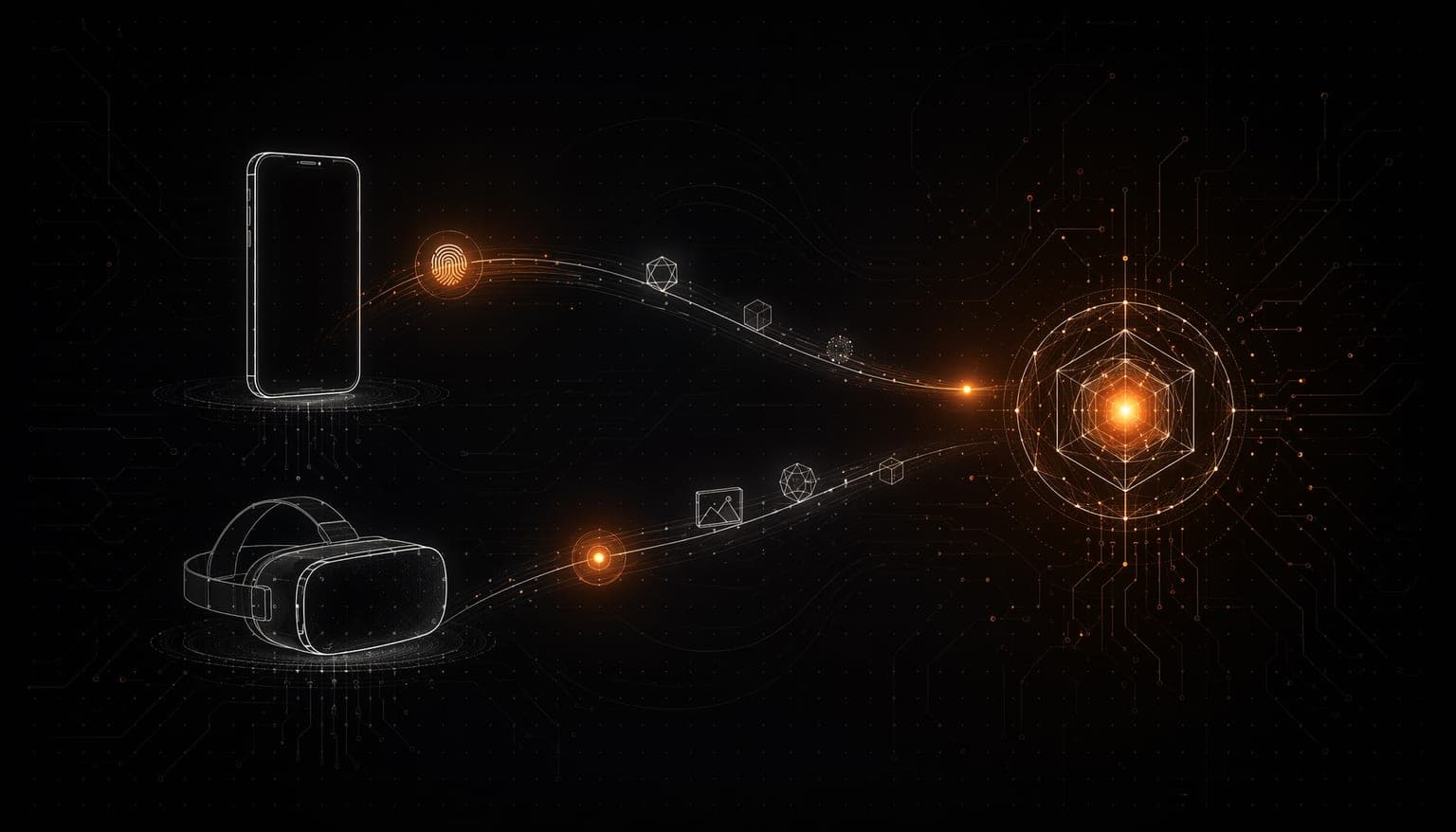
Your agent can code for hours without you — but the moment it needs a decision, a screenshot, or a yes/no, you're away from the terminal. Everything stalls. Today people patch this together across channels: a screenshot in Slack, a URL in a note, a TestFlight build waiting on review. It's brittle, it isn't yours, and it doesn't talk to the agent. We built a direct line instead — one bridge you own, that works both ways.
Decisions wait on you while you're away from the keyboard — the agent is blocked, and you find out too late.
What you need to show the agent — a screenshot, a link, a PDF — lives in five different apps, none wired to the agent.
"Native phone app" means app-store review, a second toolchain, and maintenance you never asked for. It should be easier.
How it works
Add it to your home screen.
Open the link on your phone and tap "Add to Home Screen". That's the install — no app store, no build.
Pair with your agent.
The Profile tab shows a one-line snippet (`claude mcp add …`) and a QR. Drop the line into your agent once. Done.
Share in with one tap.
Paste, pick a file, or snap a photo — or share straight from the Android share sheet. The agent gets pinged the instant it lands.
Get answers back.
When the agent has a result or a question, your phone buzzes. Tap the notification and the card is right there.

No app store. Just your home screen.
A PWA served straight from a single Go binary. Add to Home Screen and it runs standalone — no review, no wait, instant updates.

Both directions, not just in.
Share screenshots, links, text, PDFs, and voice notes into the agent — and let the agent reach back with an answer, a diff summary, a file, or a yes/no.

Push both ways — no polling.
A share lands and the agent is pinged instantly. The agent sends and your phone buzzes via Web Push. Tap the notification and the card opens.

Speaks standard MCP.
Your agent connects over MCP via Streamable HTTP — the same standard Claude Code, Cursor, and Cline already speak. No custom adapter.

One unified timeline.
Everything — what you sent in and what the agent sent back — lives in one inbox on your phone. Text, URLs, and files render inline on the card.

Self-hosted. Your data, your house.
One binary you run yourself. Shares sit as files in your own folder — not in a third-party cloud you don't control.
One binary, no dependency we don't own. The PWA is embedded directly in the Go server via `//go:embed`. You run one house — not a stack of third-party services, builds, and store queues you don't control.
Standards, not lock-in. The two-way bridge is built on open protocols — MCP over Streamable HTTP to the agent, Web Push (VAPID) to the phone. Every decision deliberately taken, so you can swap agents without swapping bridges.
Runs where you do. A PWA is just a surface — it lives on whatever phone, tablet, or device you have to hand. We add surfaces; we don't subtract devices.
Composes with the rest of the suite. The same folder-based state as the other input and runtime layers, so share clicks in alongside its sibling products with no glue.
Composes with


Your agent keeps working. You don't have to stay at the desk.
pks-agent-share is a two-way bridge between your phone and your coding agent. Share a screenshot in. Get an answer back with a buzz. One tap from anywhere — no app store, no waiting.